

What is Habeas Dockets?
Habeas Dockets (a project of the Immigration Justice Transparency Initiative) coordinates a nationwide network of vetted volunteers to lawfully retrieve federal habeas corpus documents from courthouse public terminals.
By making these records accessible online, the initiative helps lawyers, journalists, and advocates track unlawful detentions and assist in getting individuals released from detention more quickly.
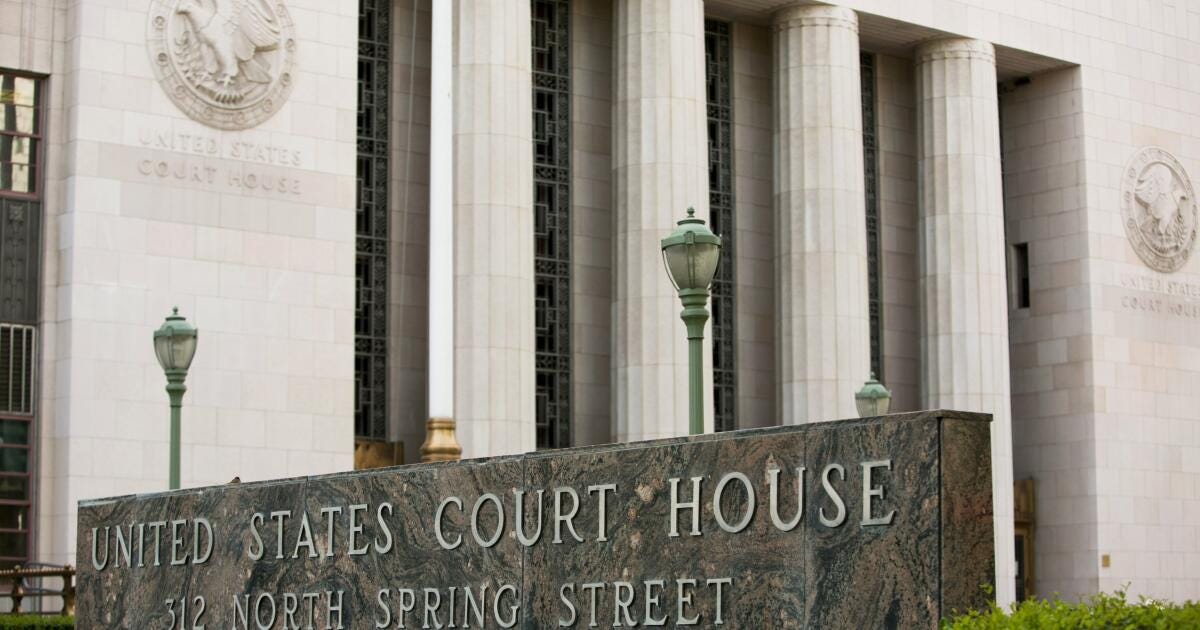
Landmark Los Angeles federal courthouse slated for quick sale by agency - Los Angeles Times
Example of a United States federal courthouse — the physical locations where volunteers retrieve restricted documents.
Why Volunteer Help is Needed: The Problem
The Restriction (FRCP 5.2(c)): Under Federal Rule of Civil Procedure 5.2(c), electronic remote access to documents in immigration-related habeas corpus cases is restricted.
The Access Gap: Even though these records are legally public, anyone outside the courthouse is blocked from viewing them online unless someone physically visits the courthouse to retrieve them from a public terminal.
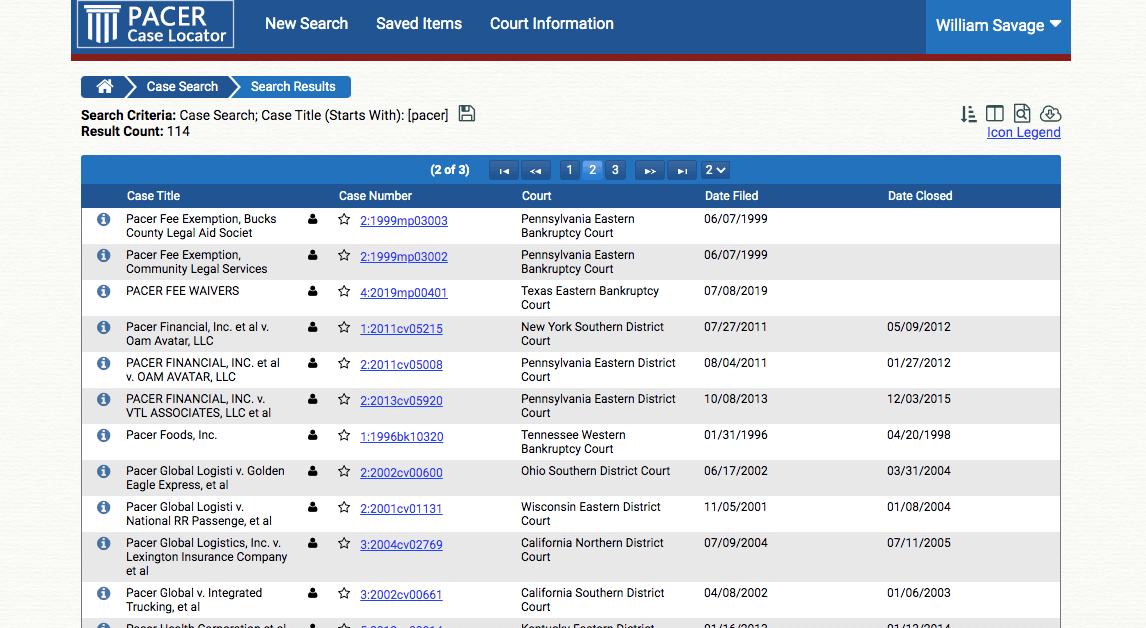
Fixing the ‘PACER problem’ means more than a redesign
PACER (Public Access to Court Electronic Records) is the official federal system. FRCP 5.2(c) blocks remote access to many immigration habeas documents even though they appear in PACER.
How the Program Works
The initiative uses a four-step process to bridge the gap between technical public access and practical availability:
Case Identification: The organization identifies relevant habeas corpus cases using PACER (Case Locator API) and integrates with RECAP to track which documents are missing online.
Volunteer Coordination: Vetted volunteers visit public terminals at federal courthouses to retrieve the restricted documents.
Document Review: Retrieved documents are reviewed for authenticity and screened to ensure no sensitive personal identifiers are inadvertently included.
Public Access: Reviewed documents are published online and linked back to RECAP and PACER for public and legal use.
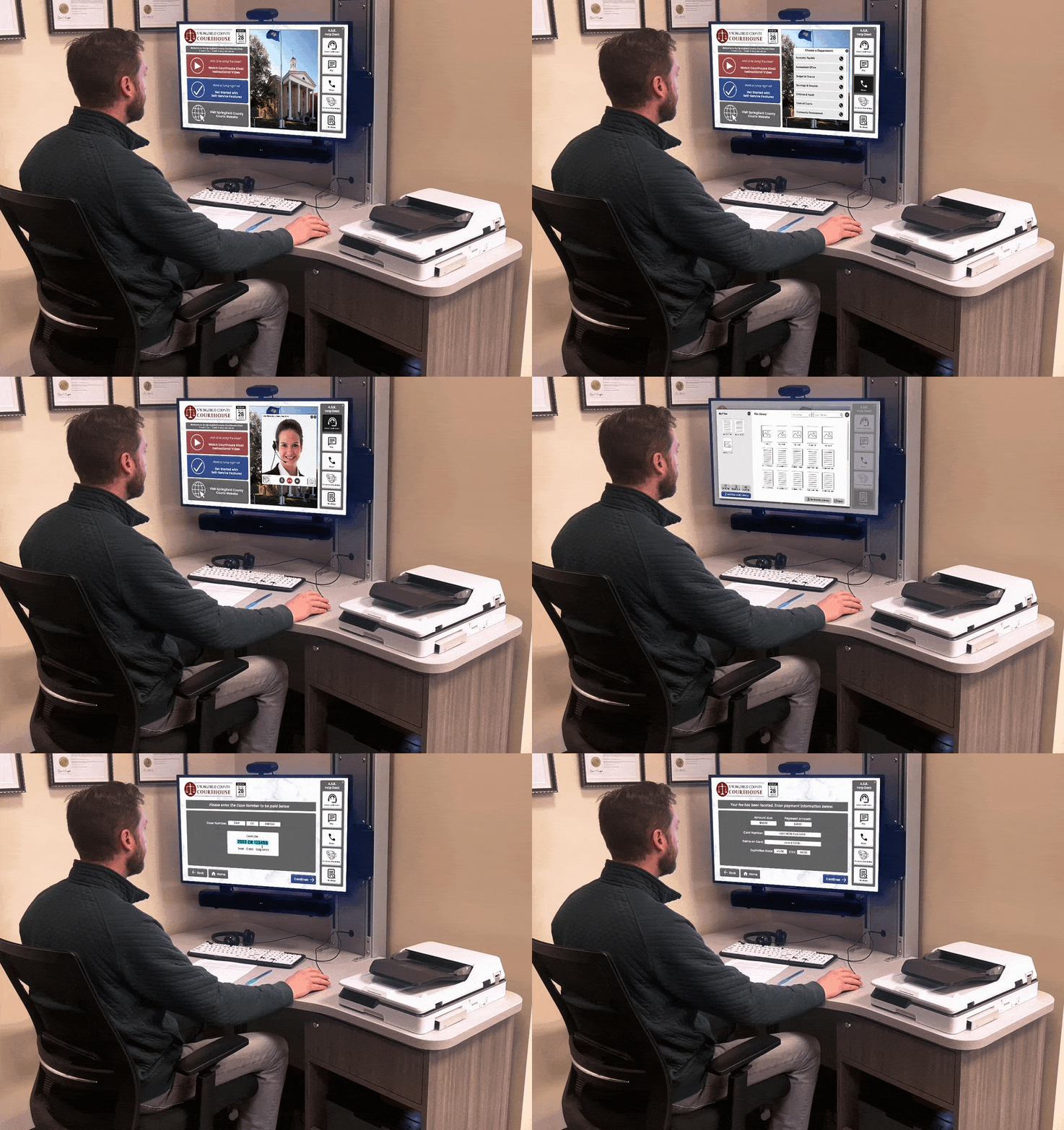
Kiosk Self-Service for Courts - GSA Approved - Advanced Kiosks
Example of a public-access computer station inside a courthouse. Volunteers use terminals like these to pull and print the restricted documents.
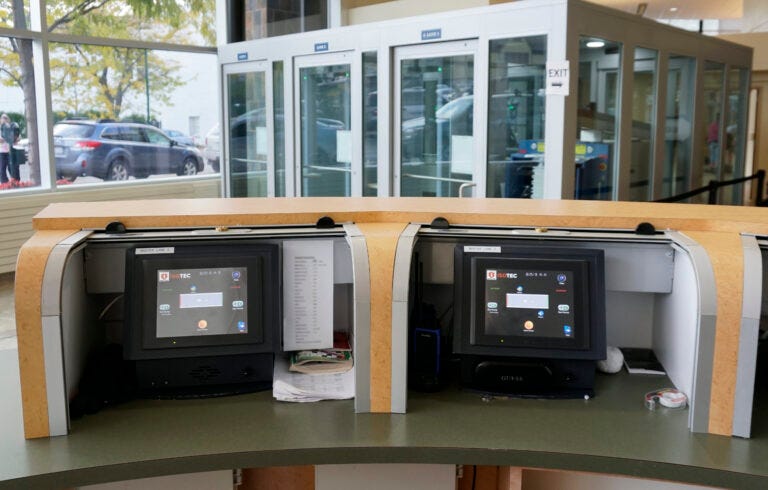
Courthouse Security Equipment and Access Control | Isotec
Typical public-access terminals found in federal courthouse lobbies or clerk’s offices.
How to Sign Up to Volunteer
No prior legal experience is required, and full training is provided by the organization.
Step-by-Step Instructions:
Visit the website: habeasdockets.org
Locate the Volunteer section on the homepage (“Help us gather documents from federal courthouses. Find volunteer opportunities in your area”).
Click the orange Get Involved button (or go directly to the volunteer page).
Submit your contact information and select your district if prompted.
Await follow-up. A coordinator will contact you with training details and instructions for your local federal courthouse district.
What volunteers typically do:
Visit the public terminal at a federal courthouse
Access and print specific documents identified by the project
Scan the documents and upload them through the secure system
Follow clear instructions to maintain authenticity
Printing costs are reimbursed.
Key takeaway: This is lawful, structured, and low-barrier volunteer work that directly improves public transparency around immigration detention cases. The bottleneck is physical access at the courthouse — not legal expertise.


