
I wish I was crazy, but we are living through Furious 7 and I can prove it
"The EyesOnICE Digital Defense Toolkit"

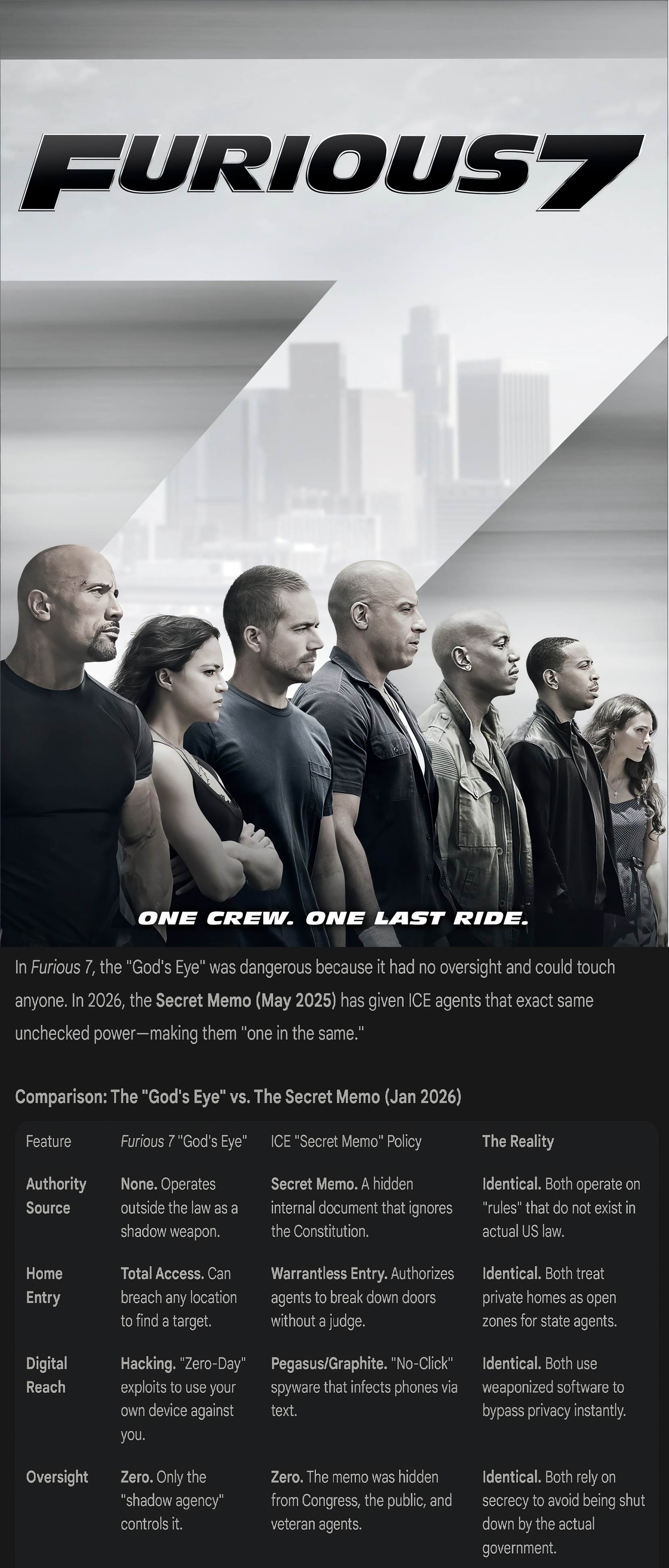
Here is the formatted text ready to copy-and-paste directly into your Substack editor. I have applied the “Blinding the God’s Eye” title we discussed and embedded the verified links for a clean, professional look.
Blinding the God’s Eye: A Digital Blackout Kit
The “God’s Eye” isn’t just a movie plot—it is the operational reality of the surveillance state in 2026. To resist the dragnet, you need to harden your digital footprint. Below is the comprehensive toolkit to counter “Zero-Click” spyware, location tracking, and metadata scraping.
I. HARDWARE: The “Kill Switch” (All Platforms)
To stop location tracking and remote hacking instantly, physically block the signal.
Faraday Bags (RF Shielding):
Silent Pocket: High-end aesthetic, often used by executives for travel security.
Mission Darkness: Forensic-grade shielding used by law enforcement; heavily ruggedized for field use.
II. MOBILE: Hardening Your Phone
Smartphones are the primary target for “Zero-Click” attacks.
For iOS (iPhone)
Enable “Lockdown Mode”: This is your strongest defense. It blocks the complex web technologies and message previews that spyware like Pegasus relies on to infect your phone.
📖 Guide: Apple Support: About Lockdown Mode
Scrub Metadata (Photos): Remove GPS and timestamp data before sharing evidence.
📲 App: ViewExif (iOS App Store)
Disable Biometrics: Force the use of a 6-digit passcode so agents cannot physically unlock your phone with your face.
For Android
Enable “Lockdown” Option: This instantly disables fingerprint/face unlock and hides notifications on your lock screen.
📖 Guide: Android Help: Show Lockdown Option
Scrub Metadata (Photos): Automatically remove EXIF data when you share an image.
📲 App: Scrambled Exif (F-Droid)
Advanced OS (Optional): For extreme threat models, replace your stock Android with GrapheneOS, which has hardened memory protection against exploits.
💻 Install: GrapheneOS Official Installer
III. DESKTOP: Hardening PC & Mac
If your computer is seized, encryption is the only thing standing between agents and your data.
For Windows (PC)
Full Disk Encryption: If you don’t have BitLocker (Pro versions only), use VeraCrypt. It is open-source and creates encrypted containers that look like random data.
🛡️ Tool: VeraCrypt Official Download
Metadata Scrubbing: Drag-and-drop tool to clean images/videos before uploading.
🧹 Tool: ExifCleaner for Windows
Advanced: ExifTool (Command Line)
For Mac (macOS)
Full Disk Encryption: Ensure FileVault is enabled. It encrypts your entire drive using your login password.
Metadata Scrubbing:
🧹 Tool: ExifCleaner for Mac
Native Option: Open Image > Tools > Show Inspector > GPS > Remove Location Info.
IV. COMMUNICATIONS: The “Zero-Trust” Layer
Assume the network is compromised. Use encryption that agents cannot break.
Signal (Encrypted Messaging):
⬇️ Download: Signal.org (Android, iOS, Desktop)
Critical Setting: Enable Disappearing Messages.
📖 Guide: Signal Support: Set and Manage Disappearing Messages
Bridgefy (Offline Comms): Use Bluetooth mesh networks if cell towers are shut down (a “kill switch” scenario).
⬇️ Download: Bridgefy.me
Briar (P2P Messaging): A highly secure, decentralized messenger that works over Tor and Bluetooth (Android only).
⬇️ Download: Briar Project